Begin with one colour
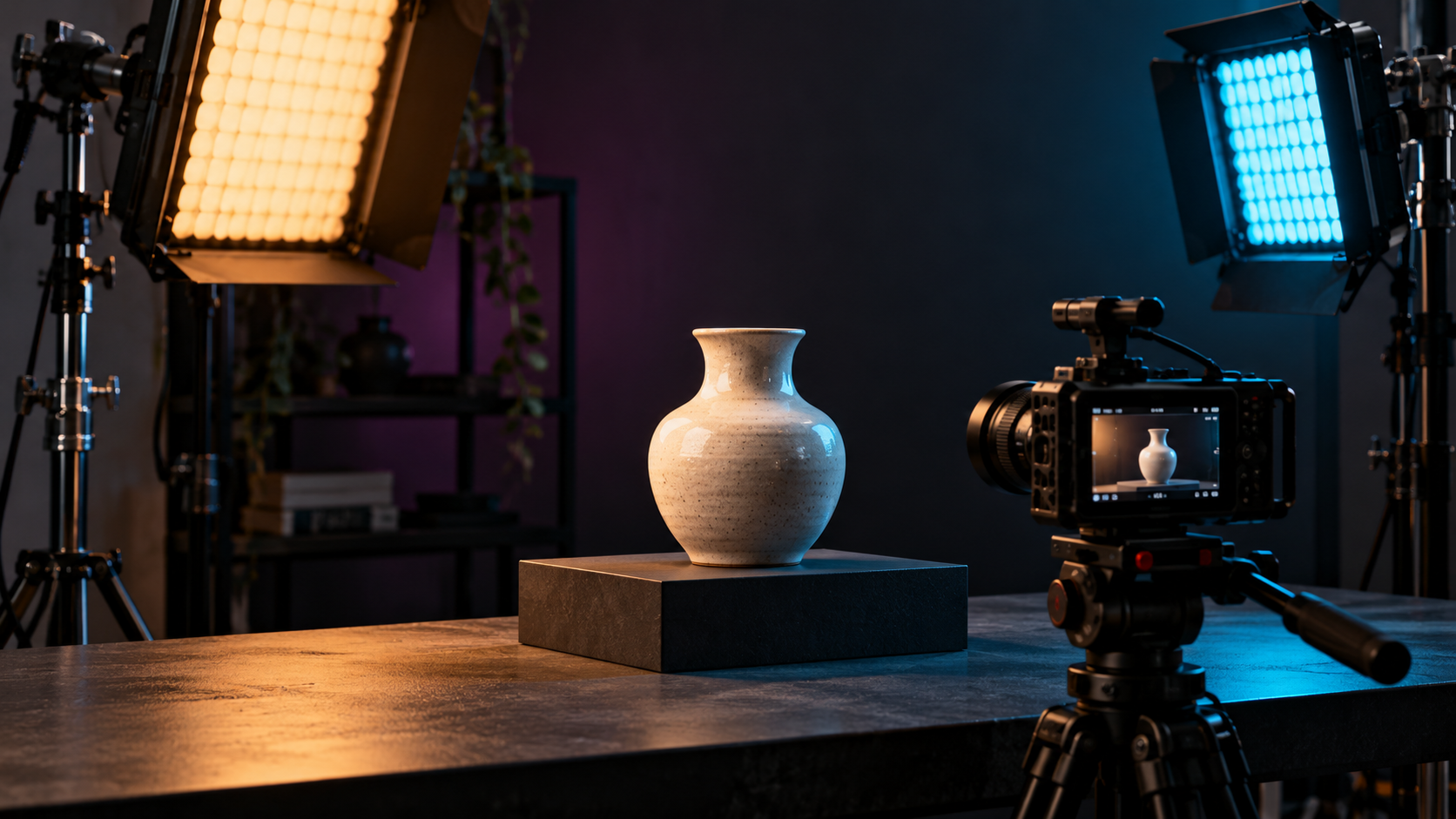
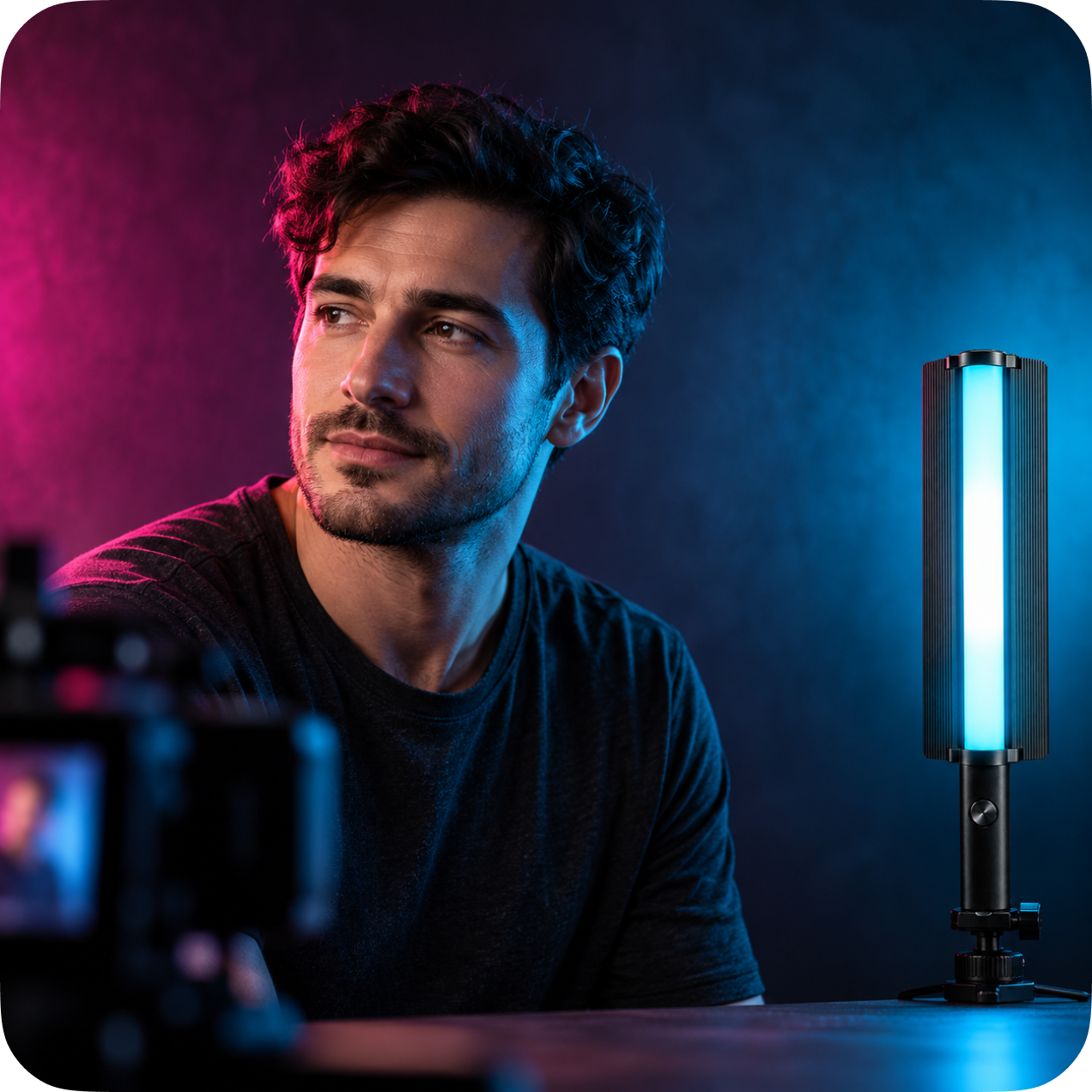
Try a single colour on the background or at the edge of your subject. Keep the main light simple so the colour has a clear role in the image.
Think about position
Moving a light changes the look of your scene. Explore how the same colour appears from the side, behind a subject or across a background. Check reflections and hotspots as you work.
Explore your light’s options
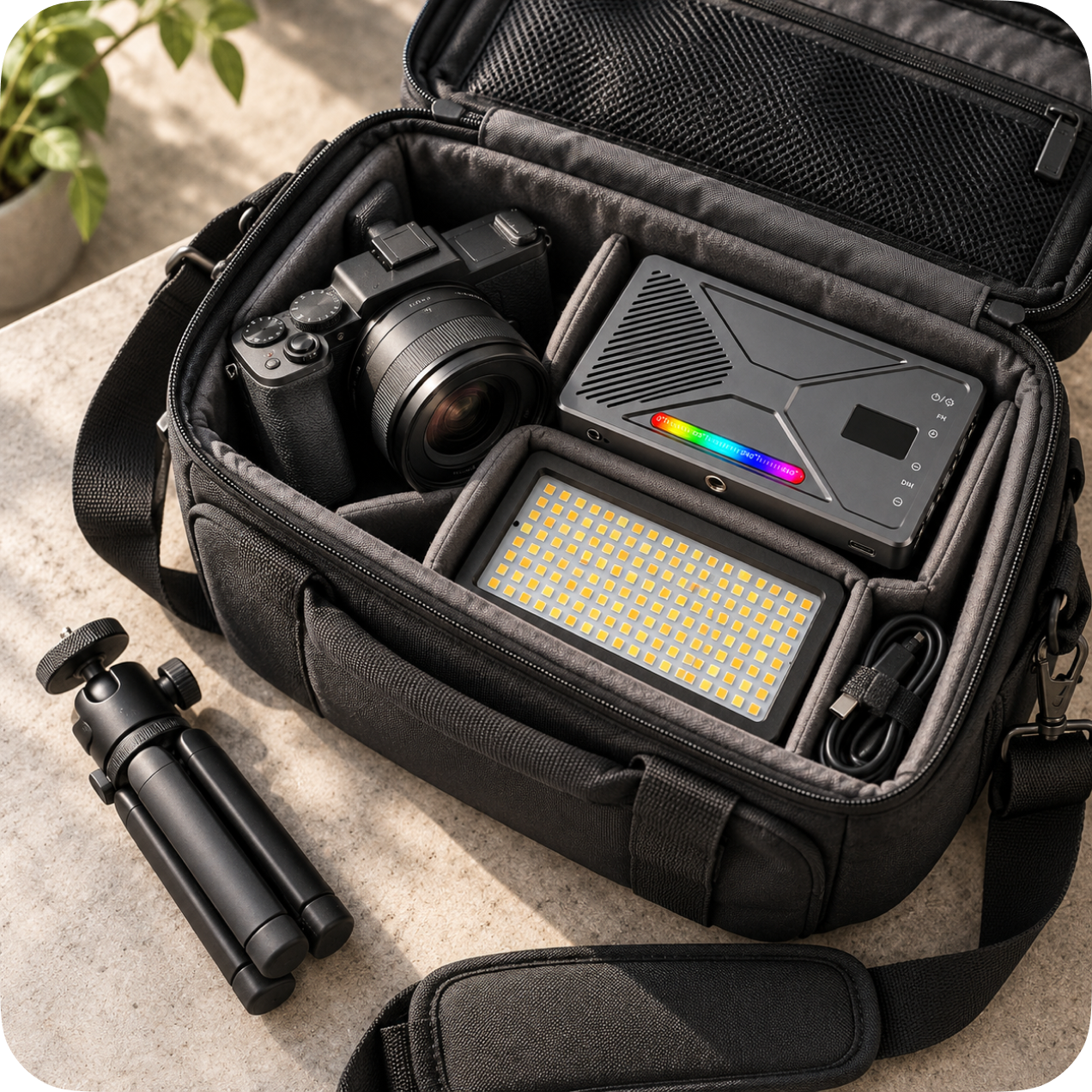
Apkina’s RGB collection includes compact panels and handheld lights. AP475, AP3150 and AP3250 list 21 lighting effects; AP620 and AP1000 list 24. See each product’s page for its specific controls and specifications.